
Search Entries
What It Does
Search helps you locate translation keys or translated text quickly in the entry tree.
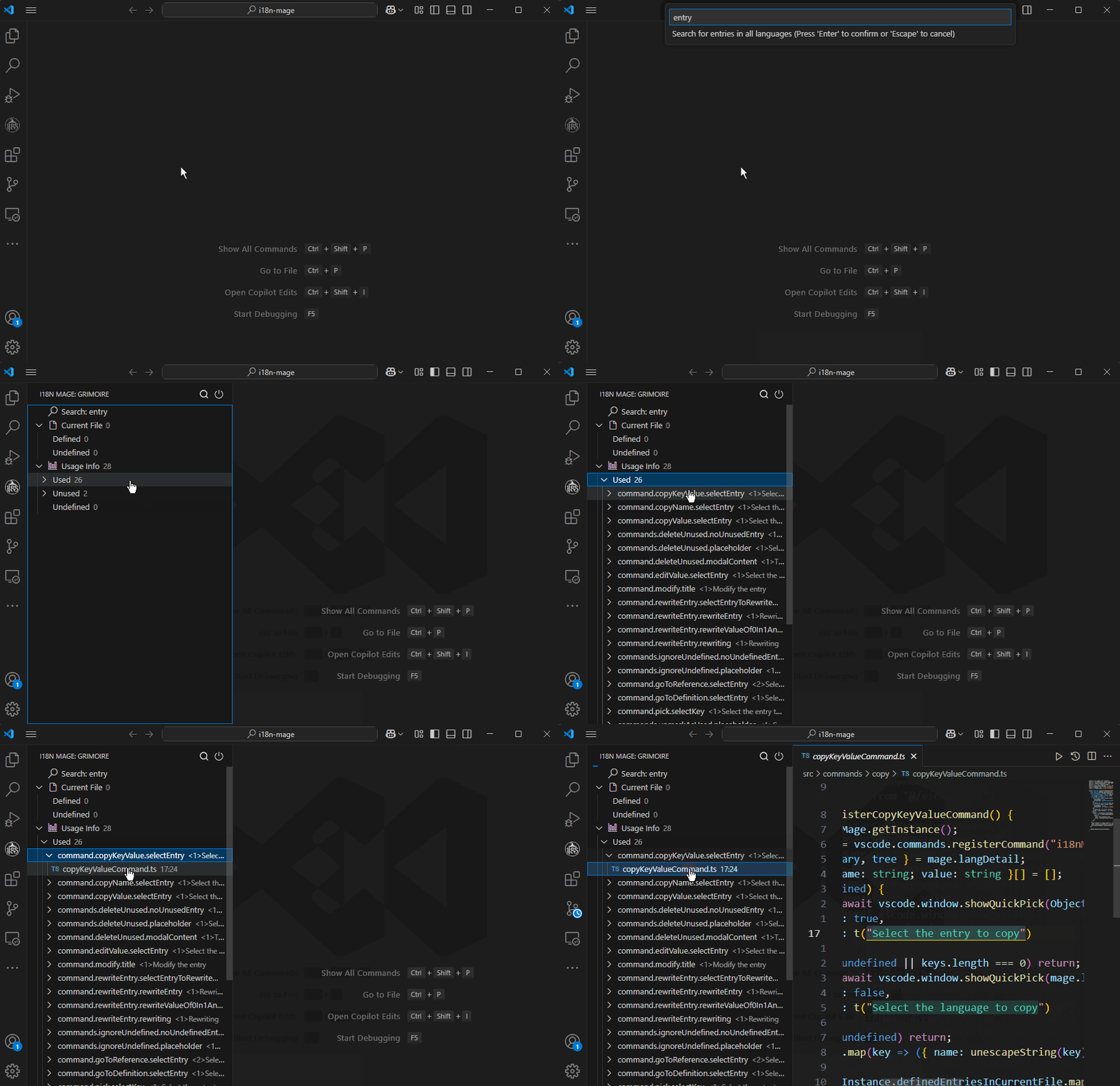
How to Use
Entry Points
- Sidebar (
Grimoire) ->Search - Command Palette ->
i18n Mage: Search - Shortcut:
- Windows / Linux:
Ctrl+Alt+S - macOS:
Cmd+Alt+S
- Windows / Linux:
Search Controls
- Exit search mode:
Esc - Toggle whole-word match:
Alt+W - Toggle case-sensitive match:
Alt+C
Alt+W and Alt+C are active only during search mode and can be combined.
Related Settings
i18n-mage.general.displayLanguage(affects default text candidates in search input)
Tips
- For precise key lookup, enable whole-word match first.
- If terminology casing matters, also enable case-sensitive mode.