
Translation Hints
What It Does
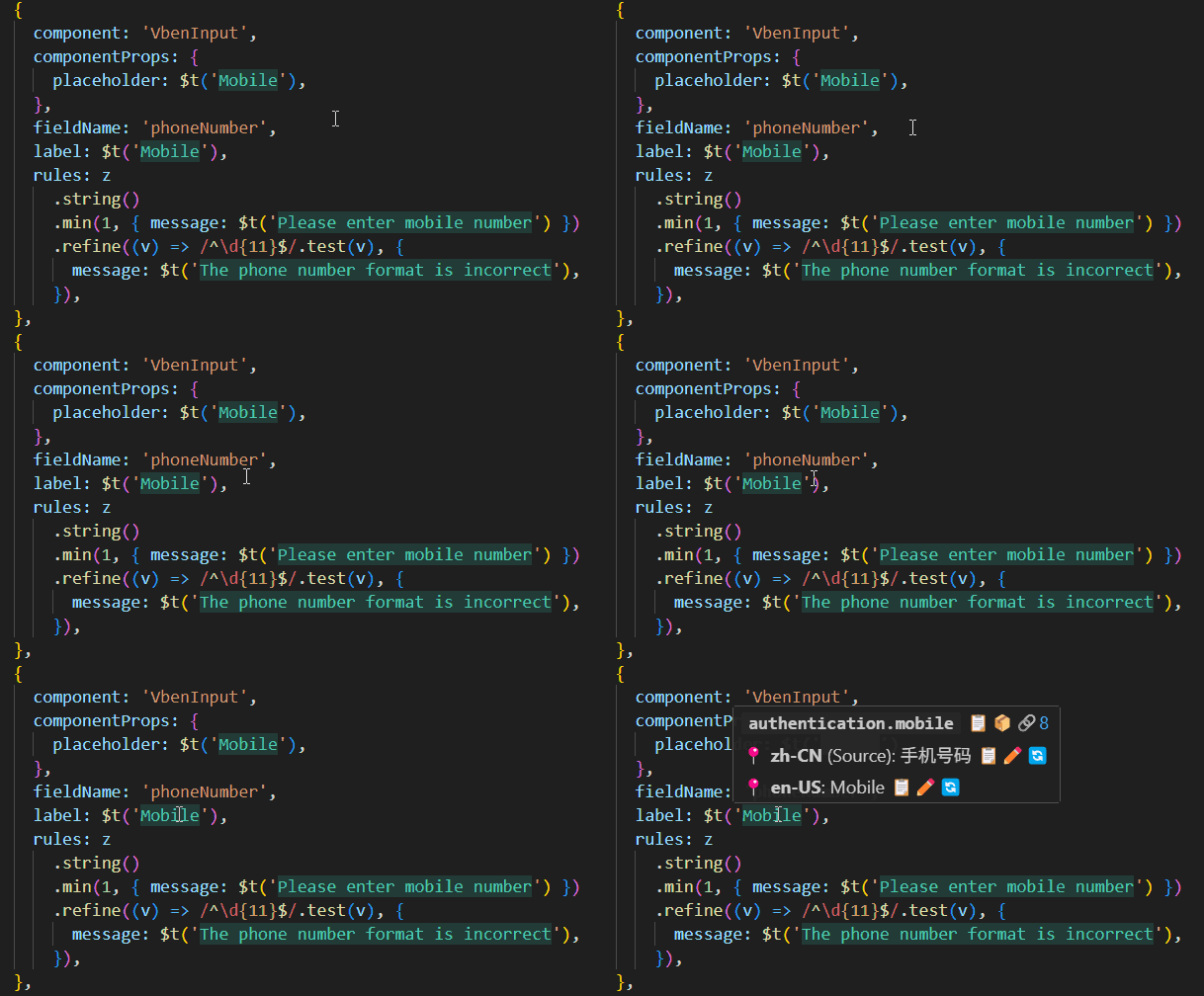
Translation hints render translated text directly in the editor, reducing context switching between source code and locale files.
How to Use
Entry Points
- Shortcut:
- Windows / Linux:
Ctrl+Alt+D - macOS:
Cmd+Alt+D
- Windows / Linux:
- Settings: enable
i18n-mage.translationHints.enable
Typical Workflow
- Enable translation hints.
- Open files containing i18n calls.
- Adjust display behavior (mode, scope, styles) to match project size.
Related Settings
i18n-mage.translationHints.enablei18n-mage.translationHints.displayMode(overlay/inline)i18n-mage.translationHints.fullFileMaxSizeKBDecoration scope: intelligently switch based on file size (files ≤ the set value use full-file decoration, otherwise only the visible range is decorated. 0 means always visible range only, -1 means always full file).i18n-mage.translationHints.realtimeVisibleRangeUpdatei18n-mage.translationHints.applyToStringLiteralsi18n-mage.translationHints.enableLooseKeyMatchi18n-mage.translationHints.maxLengthi18n-mage.translationHints.italici18n-mage.translationHints.light.*i18n-mage.translationHints.dark.*
Tips
- Large projects: prefer
decorationScope = visible. - If hints are too dense: reduce
maxLengthand disableapplyToStringLiterals. - If dynamic keys are common: enable
enableLooseKeyMatchand manually verify results.